

Pinecrest Trails is a collaboration of many contributors who have submitted trail maps, descriptions and stories of hiking and biking trails near Pinecrest , California.
For over 100 years, hikers, bikers and equestrians have explored the Pinecrest basin by foot,bike and horse. We hope you enjoy the collection of trails and please consider submitting your own trail maps, descriptions, and stories if you wish to have it posted on this site. On this site you will find topos dating back to 1907 that list some of the hiking trails of the day.
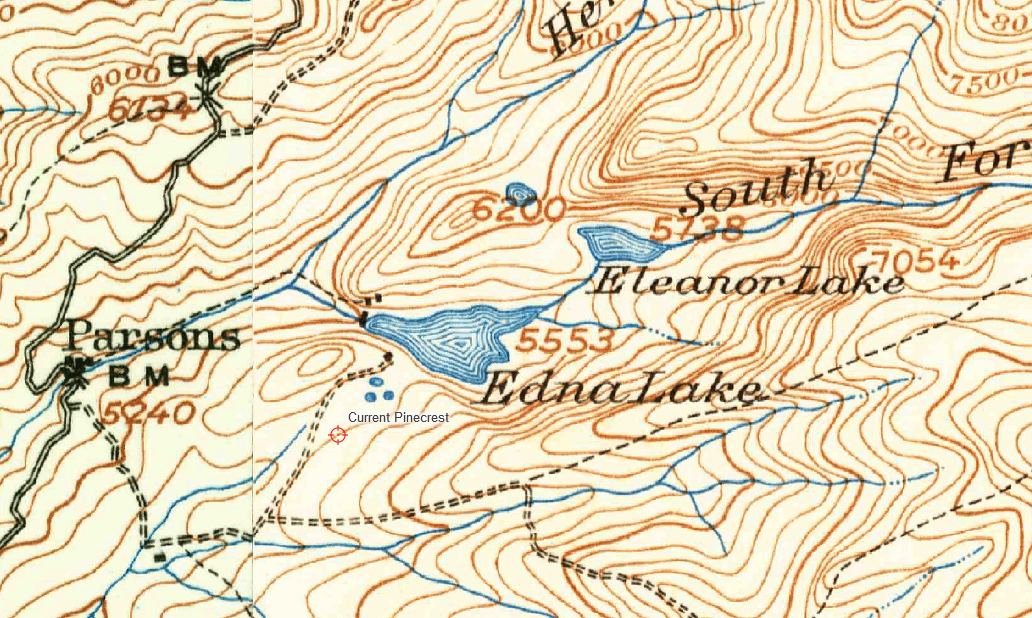
Getting the current map downloaded or viewed on the Internet Options:
We have created two ways to view the topo map that shows the local Pinecrest trails
Method 1: Requires active Internet on your device or computer
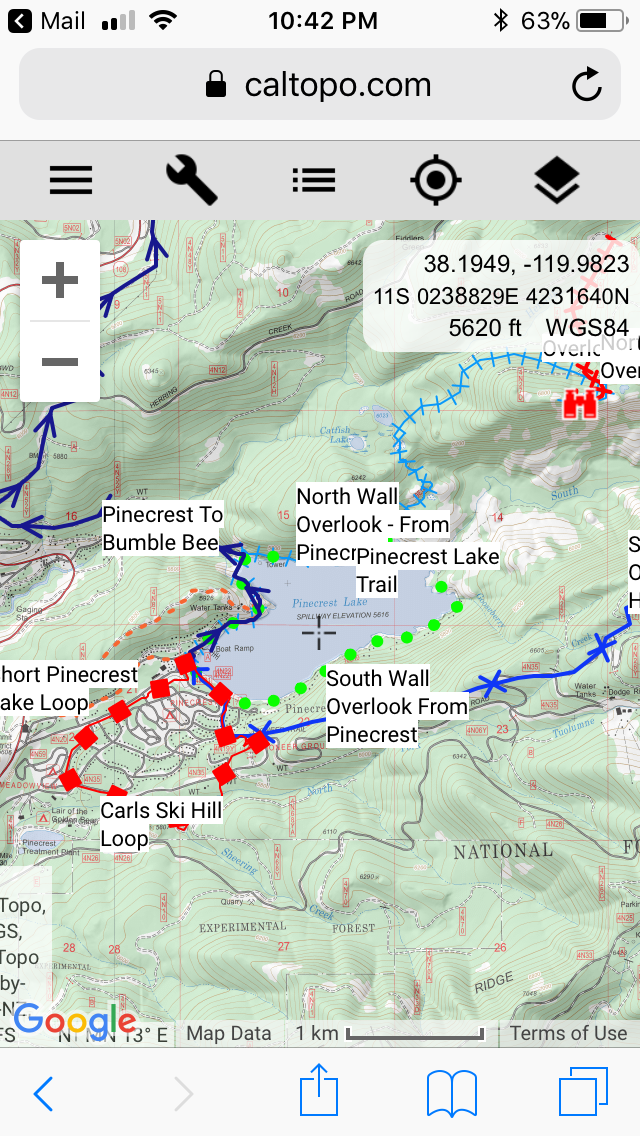
For an on-line interactive GPS maps of some of the trails listed here, click our recent Pinecrest Trails Map on your computer or mobile device by clicking on the map below.
CLICK HERE or on map below which will send you to:
Method 2: Viewing them on a mobile device off line without Internet while hiking
For this method to download the Geo spacial PDF readers and files, you must do this while you are connected to the Internet and then you can read this file off line and find GPS location off line too.
Step 1) To view this Geospacialmap (PDF with Geolocation options), we recommend the FREE Android or iPhone Avenza App. Maps which you must first download the Avenza from the appropriate App Store (Either App Store or Google Play Store)
Then download the Pinecrest Trails 2025 PDF map listed below into the Avenza reader. Note: The free version of Avenza will only allow you to store up to (2) off line maps.
The Current 2025 PDF map is available as (click below to load PDF)
Here is the URL to the PDF map:
Pinecresttrails.wordpress.org/wp-content/2025/06/pinecrestrailmap202512x18.pdf
Or copy and paste this link into Avenza as a map.
Copy and paste that link above, then launch Avenza app on your phone, and use this URL to download the Geospacial PDF.
Step 3) When you are hiking, you can launch that App and then view this PDF map and enable GPS in that app and see where you are located on the map. Please confirm the map is properly loaded and GPS works off-line without internet.
(Optional map showing Cooper Peak area Geospacial PDF) – Bigger scale and areas East of Pinecrest.
URL is
Method 3:
The PDF map is also printable 12×18 inch PDF document that can be printed at local copy and print shops.
 Pinecrest Trails